Guides & Resources
Practical guides and curated recommendations for smarter workspaces, creator workflows, and digital productivity tools.
Guides
Start here — foundational guides to help you build a better workspace and work more effectively.
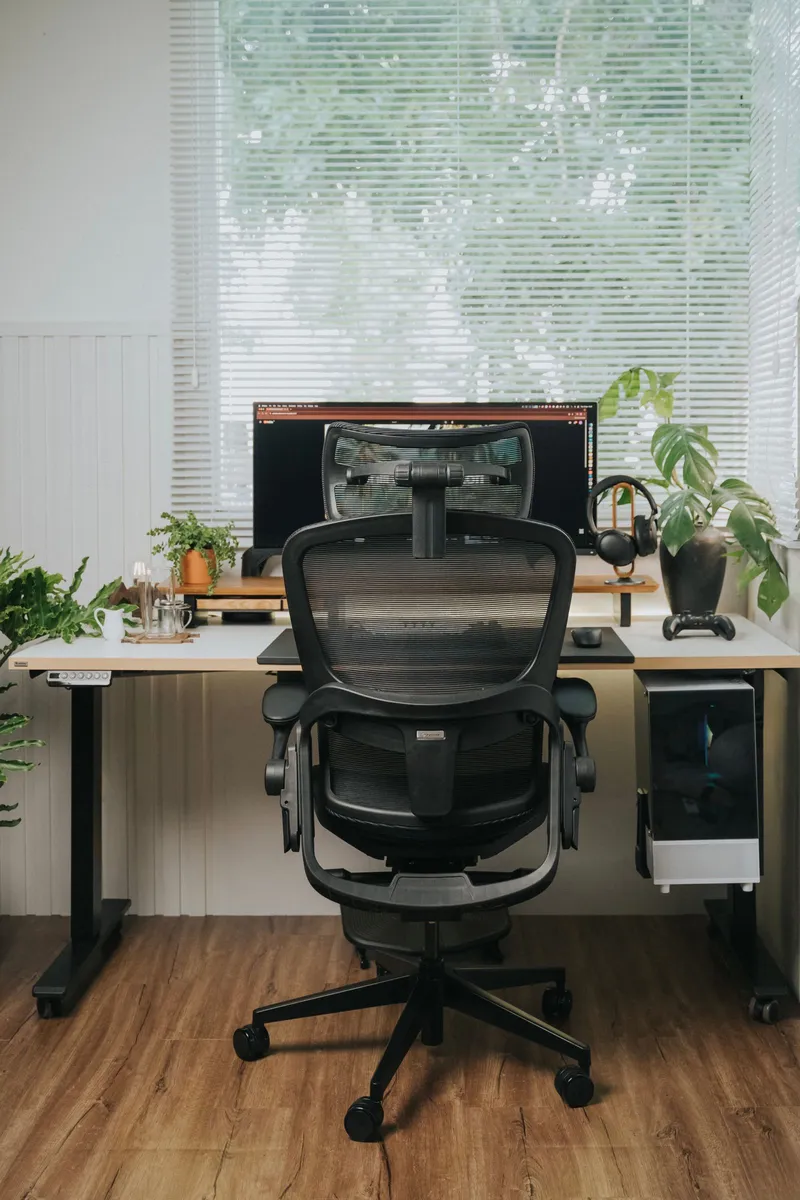
Smart Workspace Basics
Practical ways to improve your workspace without buying new equipment — from chair position and monitor height to cable management and lighting.
Digital Productivity Basics
Simple systems for managing tasks, files, and attention — reducing app overload, organizing files, and building repeatable routines.
Desk Cable Management
A routing system organized around your setup type — fixed, standing, corner, shared, or renter-safe. Route, contain, label, and maintain.
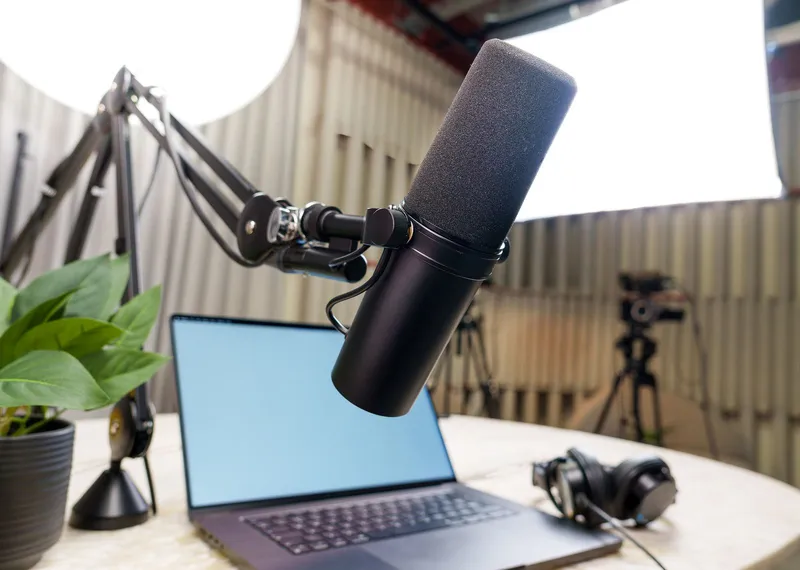
Creator Productivity
A tool-neutral, stage-by-stage workflow for solo creators — from idea capture to repurposing, review, and a simpler tool stack.
Podcast to Short-Form Clips
A selection-first framework for deciding which moments of a long episode deserve to become standalone clips — before any tool touches the timeline.

Monitor Placement Ergonomics
A measurement-based guide to eye-line anchors, viewing distance, centering, and laptop or dual-monitor adjustments — ranges, not magic numbers.
OpusClip Evaluation
A structured decision guide: what OpusClip solves, who it fits, who should skip it, and how to evaluate before paying — based on current OpusClip documentation.
Productivity Software for Solo Work
Choose productivity software by the bottleneck it solves: tasks, workspace, daily planning, or AI scheduling — without paying for overlapping tools.
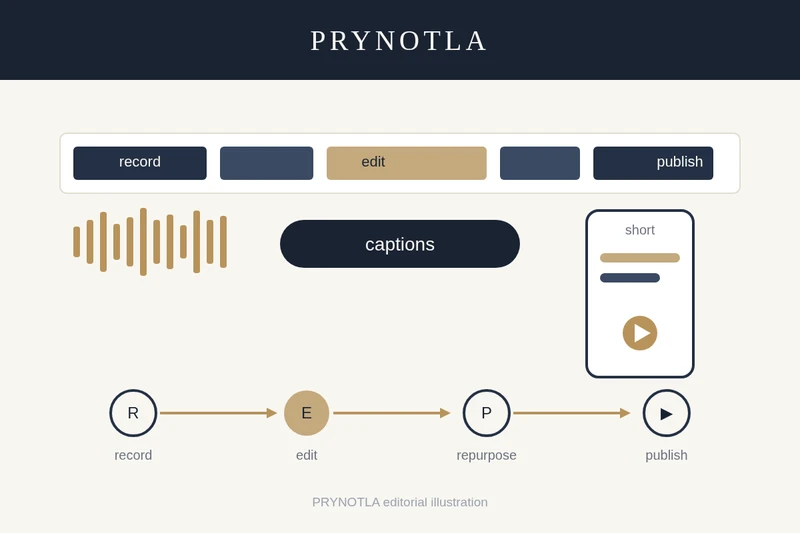
Filmora Evaluation
Where Filmora sits between lightweight social editors and professional NLEs — workflow fit, AI credits, plan structure, and the licensing check creators skip.
Resource Categories
Curated picks and recommendations organized by what they help you do.
Workspace
- Desk organization solutions — Coming Soon
- Cable management picks — Coming Soon
- Monitor accessories — Coming Soon
- Portable workspace setups — Coming Soon
Productivity
- Planning and task management — Coming Soon
- Focus and time management — Coming Soon
- Digital organization tools — Coming Soon
- Workflow automation — Coming Soon
Creator Tools
- Desk lighting for content — Coming Soon
- Phone and camera stands — Coming Soon
- Creator accessories — Coming Soon
- OpusClip for Video Repurposing — editorial overview of AI-assisted video repurposing
Digital Tools
- AI productivity tools — Coming Soon
- Cloud and collaboration — Coming Soon
- Design and creative software — Coming Soon
- Automation platforms — Coming Soon
Editorial Independence
All recommendations are editorially independent and clearly labeled when affiliate links are present.